Artificial intelligence / AI · Guide · ~8 min
On-prem AI in the enterprise — how to deploy your own artificial intelligence?
Alterkom – Technology Team. Private AI, local LLMs, GPU servers, RAG and data security — step by step.
Artificial intelligence does not have to mean sending data to external cloud services. More organisations are considering local AI deployment — running their own models on private infrastructure for greater control over data, configuration and operating costs.
How do you build Private / On-Premises AI, which infrastructure should you choose, and what matters when deploying LLMs in the enterprise?
What is on-premises AI?
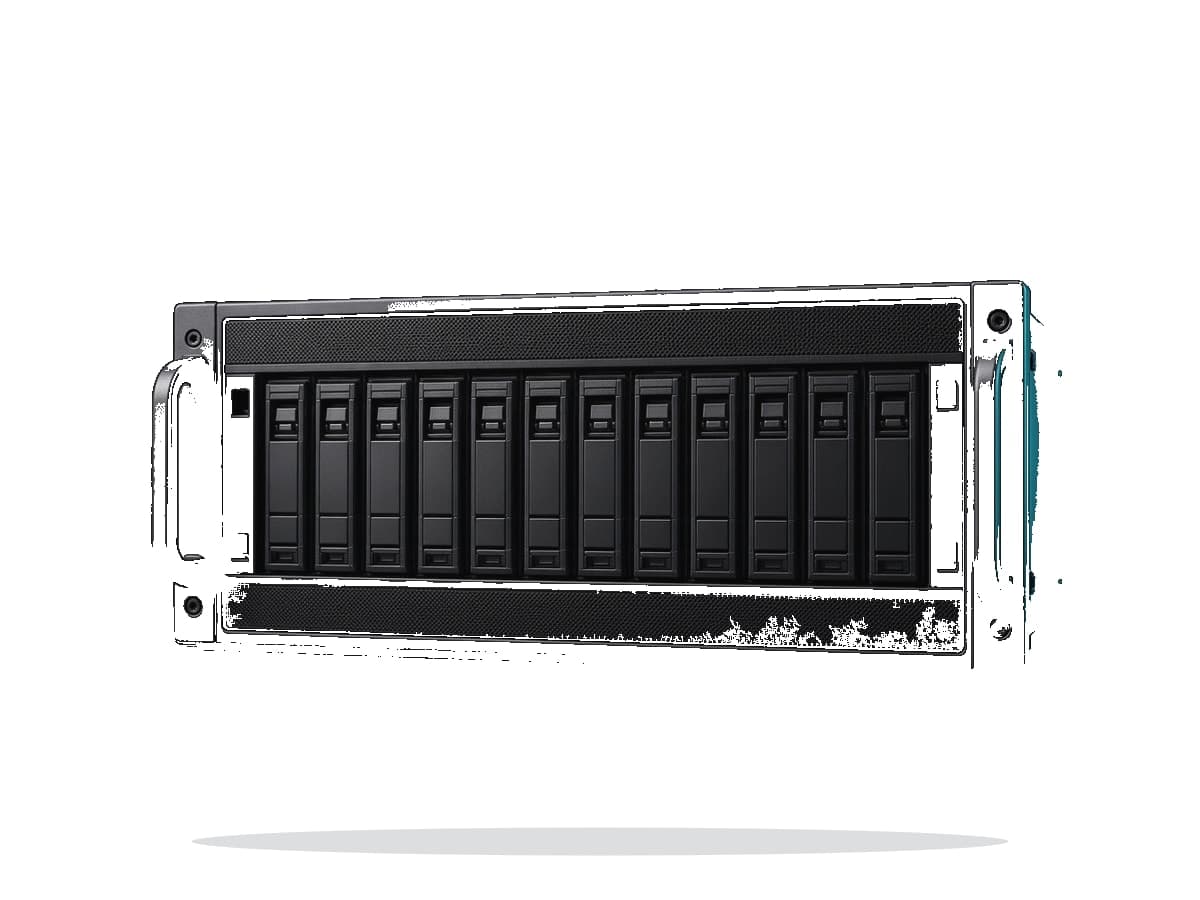
On-premises AI (Private AI) means running AI models — including local LLMs — on infrastructure you control: GPU servers, compact AI desktops (e.g. NVIDIA GB10), workstations or clusters in the company data centre.
Unlike public AI services alone, the organisation can manage models, processed information, user access and integrations — while still needing identity, permissions, updates and data-access controls.
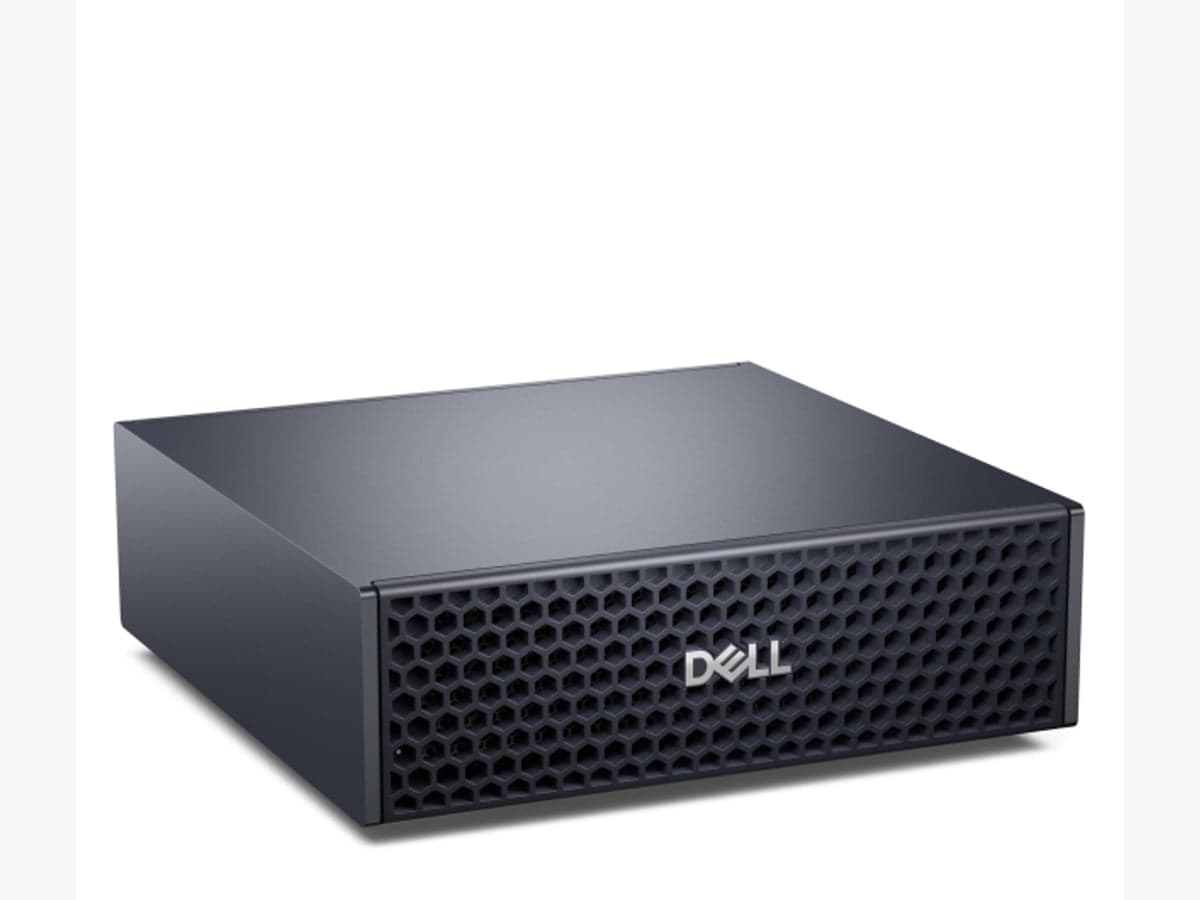
Compact AI desktop: NVIDIA GB10
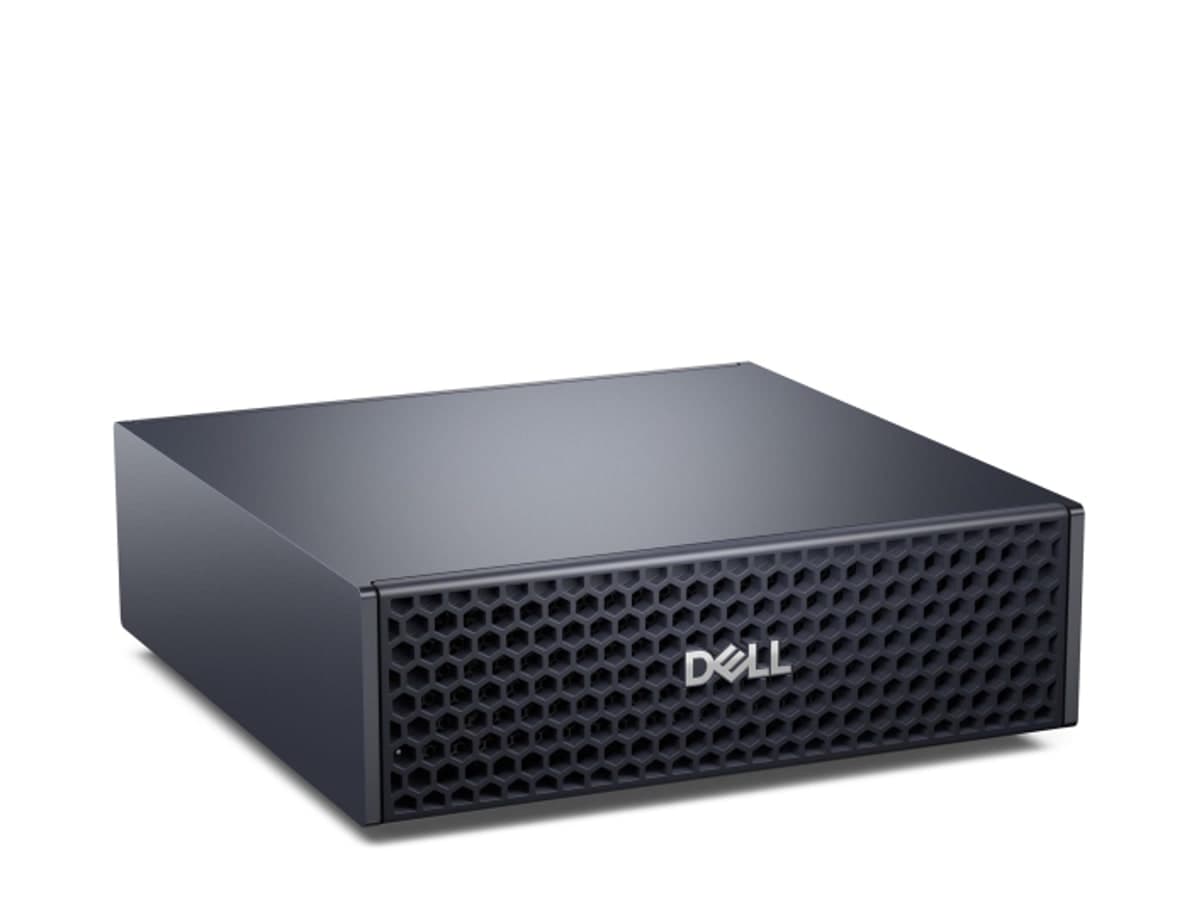
Not every local AI rollout needs a multi-GPU rack on day one. Dell Pro Max and HP ZGX Nano with NVIDIA Spark GB10 are compact AI desktops — 128 GB unified memory, local LLMs and a fast PoC path before you scale.
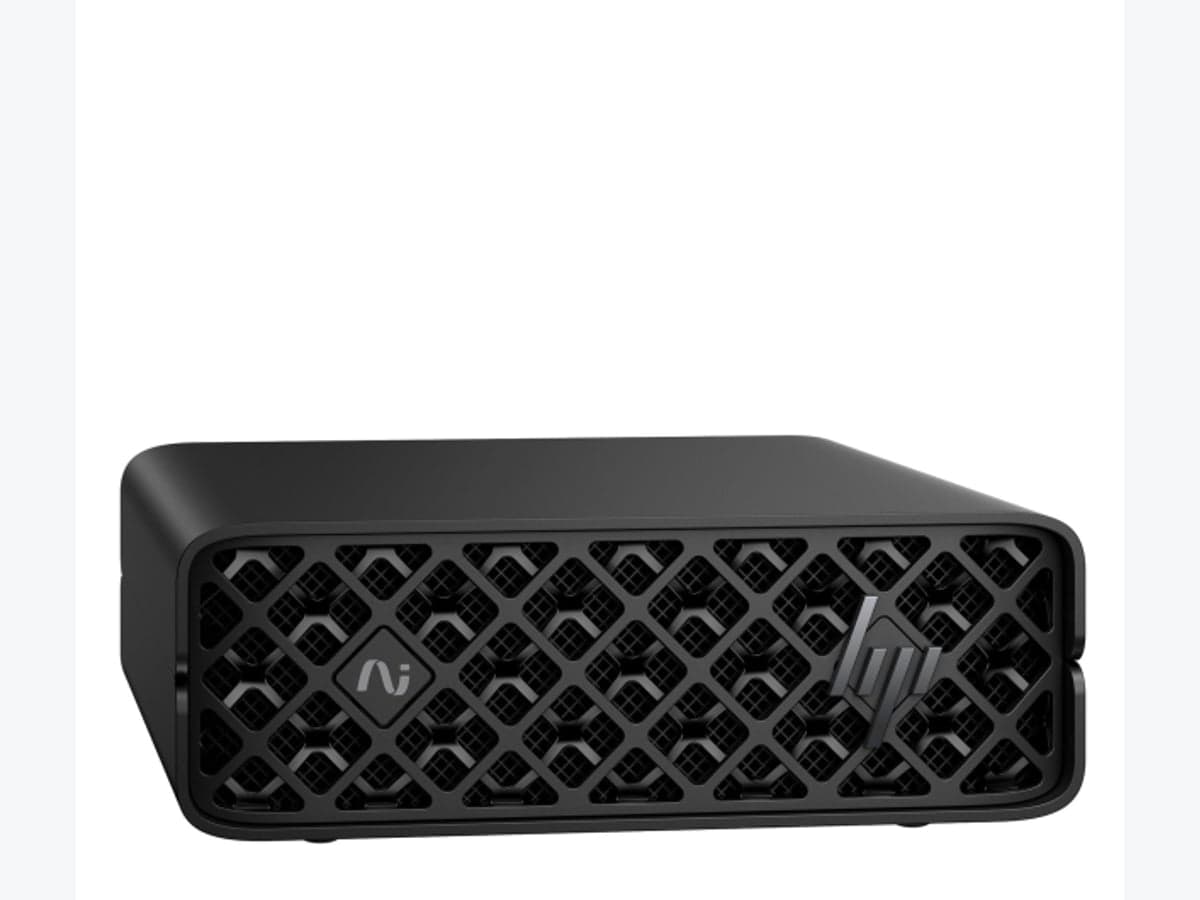
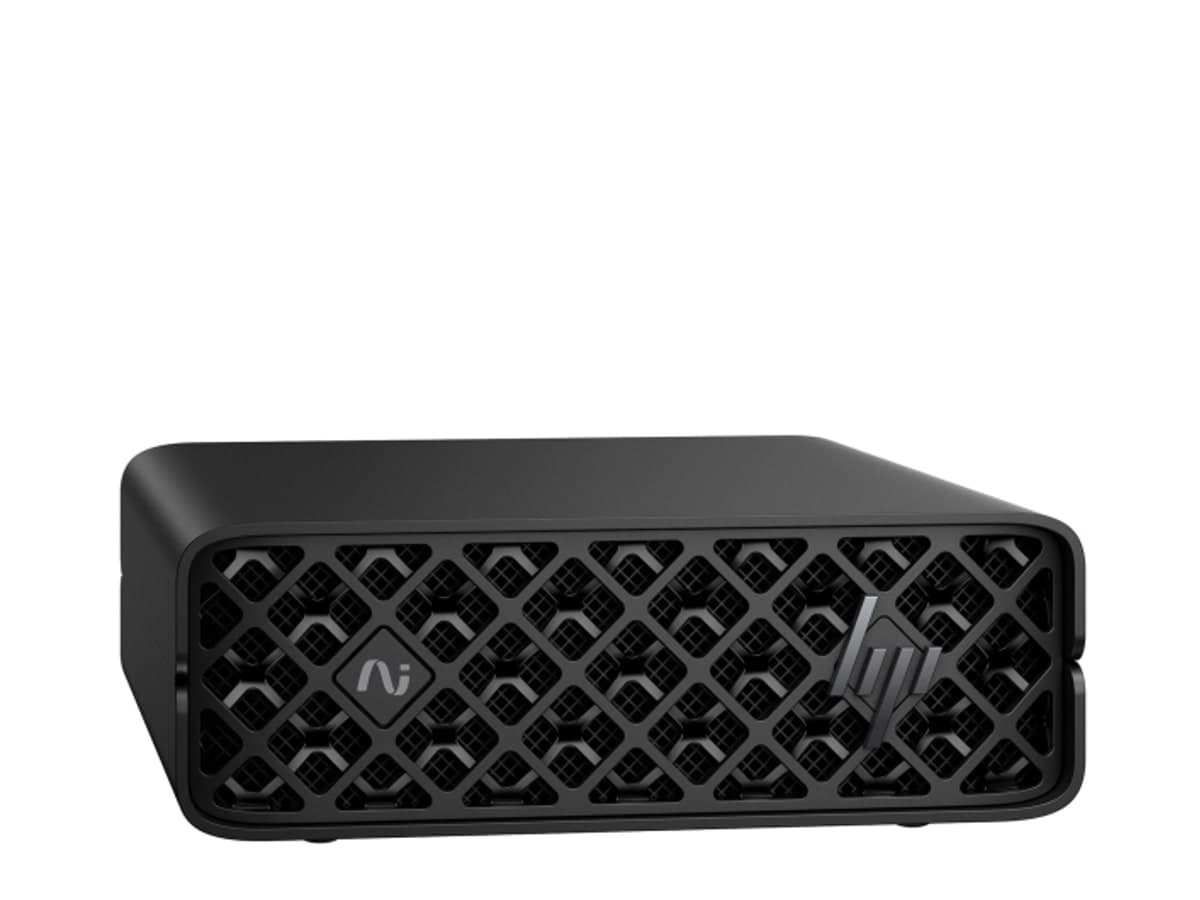
HP ZGX Nano — AI in a nano form factor
HP ZGX Nano with NVIDIA GB10 (128 GB / 2 TB, NVIDIA DGX OS) is an ultra-compact option for developer seats and edge Private AI. Same GB10 accelerator, smaller footprint — choose by space, storage and platform preference.
Why choose private AI?
Typical drivers include data control, more predictable costs for intensive use, integration with business systems, and flexibility to choose models for specific workloads.
What makes up an AI stack?
- Compute infrastructure — from compact AI desktops (GB10) to multi-GPU servers.
- Inference engine — software that serves models (e.g. vLLM or Ollama).
- Language models — local LLMs selected for tasks and requirements.
- User interface — e.g. OpenWebUI or a custom enterprise front end.
- Data layer — document repositories, search and enterprise RAG.
- Security and monitoring — authentication, authorisation, logging and capacity control.
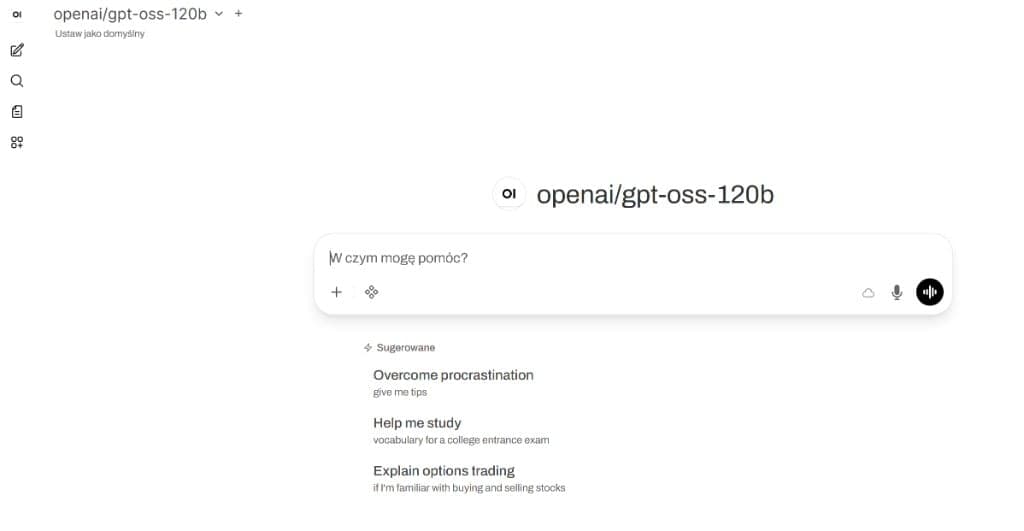
User interface: Open WebUI
The UI layer makes local models usable like a familiar chat. Open WebUI (or similar) lets staff pick a model and converse — without sending data to a public cloud.
Sizing servers for AI models
Available model memory (especially VRAM or unified accelerator memory) is critical. Requirements also depend on weight precision, quantisation, context length and concurrent users.
A compact NVIDIA GB10 desktop works well for PoC and local models; multi-user estates often need multi-GPU servers. Start with tests of a specific model and load, not parameter count alone.
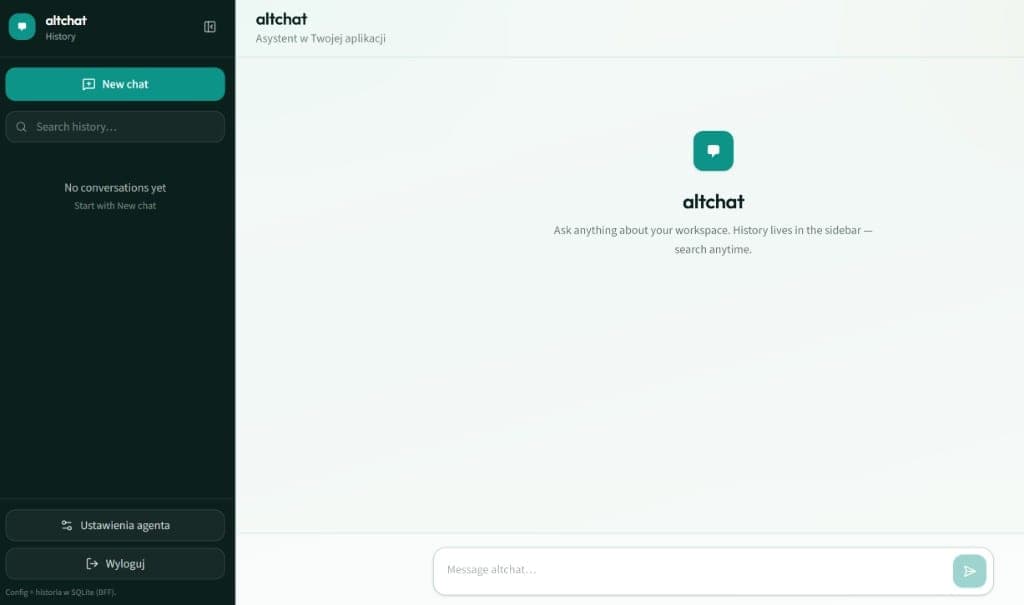
Embedded assistant in your application
The next step is embedding AI in your product — like altchat: conversation history, agent settings and local persistence. Private AI inside your app, not only a standalone chat.
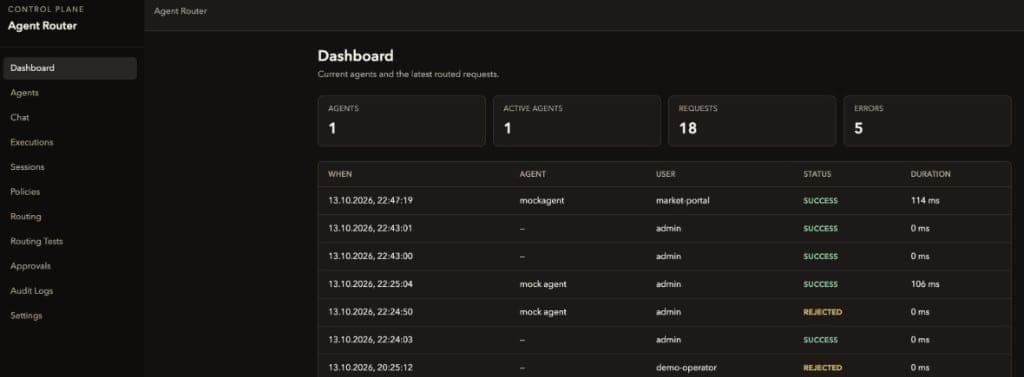
Monitoring and control: operations layer
Production local AI needs visibility: agents, sessions, request status and errors. A control-plane style dashboard shows who used which models and which calls succeeded or were rejected.
RAG — connecting AI to company knowledge
RAG (Retrieval-Augmented Generation) retrieves approved document fragments and feeds them to the model. Search must respect user permissions — local storage alone does not guarantee safe access.
Deployment stages
- Needs analysis — use cases, data, users, performance.
- Proof of Concept — test a model on representative, secured data.
- Infrastructure design — from AI desktops to GPU clusters.
- Integration — identity, apps, documentation, APIs.
- Production — monitoring, backups, updates, cost control.
Summary
Local AI can become a key part of enterprise infrastructure when architecture, models and security are chosen carefully.
Alterkom helps design AI infrastructure, select GPU servers and AI desktops (including NVIDIA GB10), deploy language models and integrate AI with enterprise systems.
Let’s check whether local AI fits your organisation
Describe goals and constraints — we will discuss deployment options.
Recommended by Alterkom
Solutions, focus areas and products related to this article — a path into our offer.