
Cybersecurity · Infrastructure · ~16 min
NetScaler — knowledge base for application delivery and security
Alterkom – Technology Team. L4–L7 load balancing, TLS, GSLB, WAF, API and bot protection, Console, HA and deployment best practices.
NetScaler is an Application Delivery and Security platform that sits between clients and applications. It combines ADC functions, L4–L7 load balancing, TLS termination, global traffic steering, WAF, API and bot protection, observability and automation.
The product was previously widely known as Citrix ADC, so that name still appears in some documentation, commands and older materials. [1]
Table of contents
Form factors: MPX, SDX, VPX, CPX, BLX
Networking concepts: NSIP, VIP, SNIP
High availability and a typical traffic flow
Reference design: a web application
Troubleshooting — where to start
What NetScaler is
NetScaler acts as a reverse proxy and a policy enforcement point in front of the application. The client connects to a virtual address published by NetScaler, and the appliance or instance:
- accepts the client connection,
- optionally terminates TLS and inspects the request,
- applies routing, security and optimization rules,
- selects a healthy backend server,
- opens a separate connection to that server,
- monitors the outcome and exposes operational metrics.
The platform can run in a data center, public cloud, virtual environment and with containerized applications. NetScaler Console provides centralized management of multiple instances. [1][8]
Traffic flow through NetScaler

Key capabilities
Below we discuss nine functional areas. The availability of specific features, licensing and limits depend on the version, edition and form factor — verify them in the vendor documentation before designing a solution.
1. L4–L7 load balancing
A virtual server accepts traffic at a VIP address and distributes it across services or service groups. Server selection depends on the load balancing method, while health monitoring removes failed backends from the pool. At L7 it is also possible to maintain persistence so that a user returns to the same server where the application requires it. [2][3]
2. Content Switching
Content Switching routes requests to different server pools based on request content, for example host name, URL path or headers. As a result, one public address can serve several applications or microservices, while static content, API traffic and an administration panel can reach separate backends. [4]
3. TLS and SSL offload
NetScaler can terminate TLS sessions on the client side (SSL offload), which offloads application servers and centralizes certificate and cipher management. Traffic to backends can also be re-encrypted where the security policy requires it. [5]
4. GSLB — global server load balancing
Global Server Load Balancing distributes traffic between locations (for example two data centers, or a data center and a cloud) using DNS responses and site health information. It lets you direct users to the most suitable location and shift traffic when one of them becomes unavailable. [14]
5. WAF — Web Application Firewall
The Application Firewall module analyzes HTTP/HTTPS traffic for common classes of web application attacks and can block, log or modify suspicious requests according to a protection profile. Effectiveness depends on configuration quality: profiles must be tailored to the application, tested in observation mode and monitored for false positives. [13]
6. API protection
APIs now account for a significant share of application traffic. NetScaler offers API protection mechanisms that help control access to interfaces, validate requests against the expected schema and limit abuse. The scope of functions depends on the edition and version. [6]
7. Bot mitigation
The bot management module helps distinguish automated traffic from human traffic and apply a policy to it: allow, rate-limit or block. This covers, among others, scanning, mass content scraping and account takeover attempts. [7]
8. NetScaler Console
NetScaler Console (formerly Application Delivery Management, ADM) is a central management layer for many instances: inventory, configuration, monitoring, traffic analytics and change management. It is useful when the environment spans many instances or locations. [8]
9. Automation and NITRO API
NITRO is a REST interface for configuring and monitoring NetScaler. It lets you include ADC configuration in Infrastructure as Code and CI/CD processes, so changes are repeatable, versioned and reviewable. [12]
Form factors
Exact limits and feature availability must be checked in the current support matrix and licensing documentation. [11]
| Forma | Charakterystyka | Typowe zastosowanie |
|---|---|---|
| MPX | Dedykowane urządzenie sprzętowe | Duża i przewidywalna wydajność, centra danych, wymagania sprzętowe lub kryptograficzne |
| SDX | Platforma sprzętowa uruchamiająca wiele izolowanych instancji | Konsolidacja wielu instancji i separacja tenantów lub środowisk |
| VPX | Wirtualna instancja programowa na hypervisorze lub w chmurze publicznej | Elastyczne wdrożenia prywatne, hybrydowe i chmurowe |
| CPX | Forma kontenerowa | Aplikacje cloud-native, Kubernetes i architektury mikroserwisowe |
| BLX | Instancja programowa na serwerze bare-metal z Linux | Wysoka wydajność programowa bez dedykowanego appliance |
Core networking concepts
Typical flow: client → VIP / vServer → policies → healthy service selection → SNIP connection → backend. [9]
| Pojęcie | Znaczenie |
|---|---|
| NSIP | Adres zarządzający konkretną instancją NetScaler |
| VIP | Adres wirtualny, na który łączy się klient |
| SNIP | Adres używany zwykle jako źródłowy przy połączeniu NetScaler z backendem |
| GSLBIP | Adres identyfikujący lokalizację w konfiguracji GSLB |
| vServer | Logiczny serwer wirtualny przyjmujący lub kierujący ruch |
| Service / Service Group | Backend albo grupa backendów przypięta do vServera |
| Monitor | Mechanizm sprawdzający kondycję usługi |
| Policy / Action | Warunek i działanie wykonywane po jego spełnieniu |
High availability and a typical traffic flow
The ADC itself is the point through which all application traffic passes, so its failure must not mean a service outage. In a typical model two nodes operate as an HA pair: one active and the other ready to take over traffic, with configuration synchronized between them. Operation details, requirements and failover scenarios are described in the vendor documentation. [10]
A typical request flow
- The user connects to the application name, which resolves to the VIP address of the virtual server.
- NetScaler terminates the TLS session and applies policy (for example Content Switching rules, WAF, bot mitigation).
- The load balancing algorithm selects a healthy server from the service pool.
- The connection to the application server is established from a server-side address (for example a SNIP).
- The response returns through NetScaler to the user; events are sent to logs and monitoring systems.
The role of individual addresses (NSIP, VIP, SNIP and others) is described in the NetScaler-owned IP addresses documentation. [9]
Typical use cases
- Publishing a web application — TLS, load balancing, WAF, bot protection and central monitoring.
- Access to Citrix applications — NetScaler Gateway providing controlled remote access to Citrix resources.
- Multi-site DR — GSLB directing users to an available data center or cloud.
- API modernization — a single entry point, rate limiting, authentication, per-endpoint rules and analytics.
- Hybrid or multi-cloud environment — consistent delivery and observability policies across multiple locations.
- Kubernetes and microservices — ingress, traffic control and integration with container orchestration.
Reference design: a web application
The outline below is a starting point for a design discussion, not a ready-made configuration. Values, versions and limits must be adapted to the environment and verified in the documentation.
- Publishing: the DNS name points to the VIP of the HTTPS virtual server; HTTP traffic is redirected to HTTPS.
- TLS: certificate from a trusted CA, modern protocol versions and ciphers, a certificate renewal plan.
- Backend: a service group with health monitors that verify a real application response, not just an open port.
- Sessions: persistence only where the application requires it.
- Protection: WAF enabled in stages (observation first, then blocking), bot mitigation and request limits.
- Networking: NSIP on the management network, VIP in the publishing zone, SNIP on the application server network.
- HA: an HA pair and a failover test before go-live.
- Observability: logs, metrics and alerts integrated with existing monitoring.
Security best practices
An ADC sits at the network edge and is an attractive target, so it requires the same care as the applications it protects.
- Update software regularly and follow vendor security bulletins; plan maintenance windows in advance.
- Restrict administrative access to the management network; do not expose NSIP to the Internet.
- Use multi-factor authentication, least-privilege roles and named accounts instead of shared ones.
- Change default credentials and disable unnecessary services and protocols.
- Keep certificates in order: inventory, expiry dates and secure key storage.
- Roll out WAF in stages and monitor false positives before moving to blocking mode.
- Send logs to a central system (SIEM) and alert on administrative events and configuration changes.
- Back up configuration regularly and test restores.
Deployment checklist
Analysis
- Which applications and services will be published, and what are their session and protocol requirements?
- What are the availability objectives (RPO/RTO) and location requirements?
- What is the expected traffic: connection counts, throughput, share of TLS?
- Which regulatory requirements and security policies apply?
Design
- Choosing the form factor and verifying platform support (for example the VPX support matrix) [11].
- Addressing and segmentation plan: NSIP, VIP, SNIP, network zones.
- HA model, certificate strategy, protection policies and monitoring.
- Approach to automation and change management (NITRO, Console).
Go-live
- Functional and performance tests on real or simulated traffic.
- HA failover test and backend failure scenarios.
- Enabling WAF in observation mode, then tightening gradually.
- Configuration backup, operational runbook and rollback plan.
Troubleshooting — suggested order
For availability issues, analyze layers from the bottom up:
- Instance and HA state — is the active node healthy and in the expected role?
- Network — interfaces, VLANs, ARP, routes, ACLs and SNIP–backend connectivity.
- VIP/vServer — is it UP with the correct address, port and protocol?
- Services and monitors — why is a backend marked DOWN?
- TLS — certificate, chain, SNI, protocols, ciphers and backend TLS.
- L7 policies — content switching, rewrite, responder, authentication.
- Security — is WAF, bot protection or a rate limit rejecting the request?
- Application — server logs, dependencies, database and response time.
- Change comparison — recent deployments, configurations and signature updates.
Before changing anything, collect timestamps, a request ID, client address, VIP, target backend and monitor result. This helps correlate logs without making random production changes.
Limitations, selection criteria and PoC
Limitations worth remembering
- Feature scope, licenses and limits depend on the version, edition and form factor — do not assume them without verification.
- An ADC is a critical traffic point: it requires HA, monitoring, updates and mature change procedures.
- WAF and bot protection require tuning; poorly set policies can block legitimate users.
- TLS termination means the device sees traffic in clear text — this has consequences for compliance and key protection.
Selection criteria
- Required functions (L7, WAF, API, bots, GSLB) and their availability in a given edition.
- Target environment: data center, cloud, containers, hybrid.
- Traffic scale, performance requirements and HA model.
- Integrations: identity, SIEM, automation, existing application platforms.
- Team skills, support model and total cost of ownership.
How to run a PoC
- Select 1–2 representative applications and define measurable success criteria.
- Reproduce the real network topology, certificates and security policy.
- Measure performance, latency and behavior during a node or backend failure.
- Test WAF and bot protection on realistic traffic, including false positives.
- Assess operations: automation via NITRO, management in Console, updates and backup restores.
Glossary
- ADC — Application Delivery Controller.
- VIP — the virtual server address under which an application is published.
- NSIP — the management address of a NetScaler instance.
- SNIP — an address used to communicate with servers on the backend side.
- GSLB — Global Server Load Balancing, balancing traffic between locations.
- WAF — Web Application Firewall.
- Content Switching — routing requests to server pools based on their content.
- SSL offload — terminating TLS on the ADC instead of on application servers.
- NITRO — the REST interface for configuring and monitoring NetScaler.
- HA — High Availability; a pair of nodes ready to take over traffic.
Sources — official vendor documentation
The article is based on official NetScaler documentation and materials. The markers [1]–[14] in the text link to the items below:
[1] NetScaler Application Delivery and Security Platform
[3] Application switching and traffic management features
[5] SSL offload and acceleration
[8] NetScaler Console — overview
[9] NetScaler-owned IP addresses
[10] Configure high availability
[11] NetScaler VPX support matrix
[13] Application Firewall (WAF) — documentation
[14] Global server load balancing (GSLB) — documentation
Prepared: November 2026. Informational material — not a compatibility matrix for specific releases, a licensing offer or a ready-made configuration. The diagram is an illustrative Alterkom original.
Related catalog products
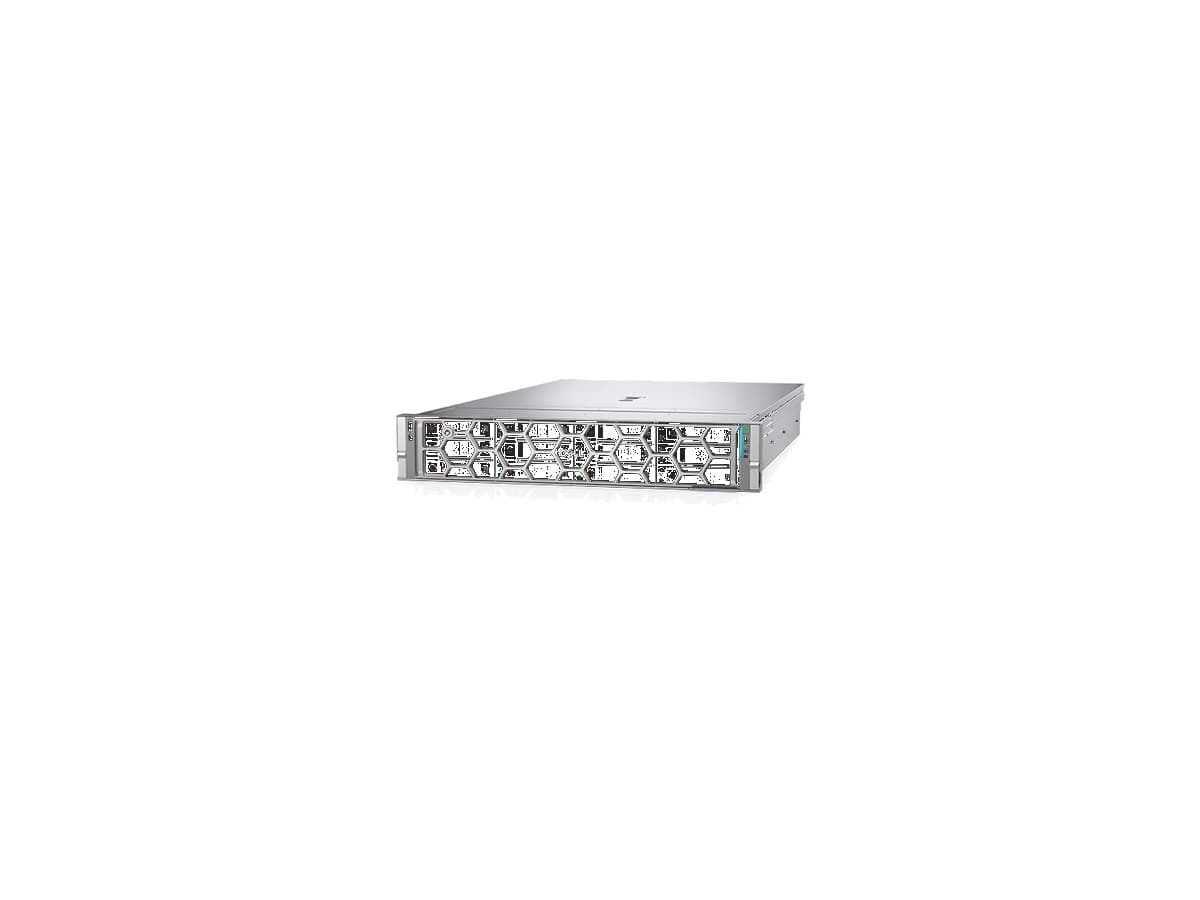
Servers and storage used in application infrastructure and virtualization projects — selection depends on scale and SLA requirements.

Related focus areas
Topics related to application delivery and protection.

Cyberbezpieczeństwo
WAF, segmentacja, kontrola dostępu i odporność platform.
Zobacz obszar
Infrastruktura IT
Serwery, sieć i projektowanie środowisk produkcyjnych.
Zobacz obszar
Wirtualizacja
VMware, Hyper-V, Proxmox i środowiska VDI.
Zobacz obszar
Storage
Pamięć masowa, replikacja i ochrona danych.
Zobacz obszarRead also
Other materials from the Knowledge section.

Cyberbezpieczeństwo firmy — ochrona infrastruktury IT
Zero Trust, MFA, segmentacja i ochrona dostępu zdalnego.
Czytaj więcej
Wysoka dostępność serwerów — jak zapewnić ciągłość działania infrastruktury IT?
Klastry HA, redundancja, RPO/RTO i Disaster Recovery — bez mylenia HA z backupem.
Czytaj więcej
Omnissa Horizon czy Citrix? Dwie drogi do nowoczesnego VDI
Porównanie platform VDI, Blast Extreme, HDX i scenariusze wyboru.
Czytaj więcejDesign application delivery and protection with Alterkom
We help choose a NetScaler architecture, plan networking, TLS, WAF and HA, and carry out a PoC and deployment.
Recommended by Alterkom
Solutions, focus areas and products related to this article — a path into our offer.